Bulk Import
Bulk Import lets you load or update large amounts of ZAI data — employees, clients, skills, pods, and more — from a single CSV or Excel file, instead of entering it record by record.
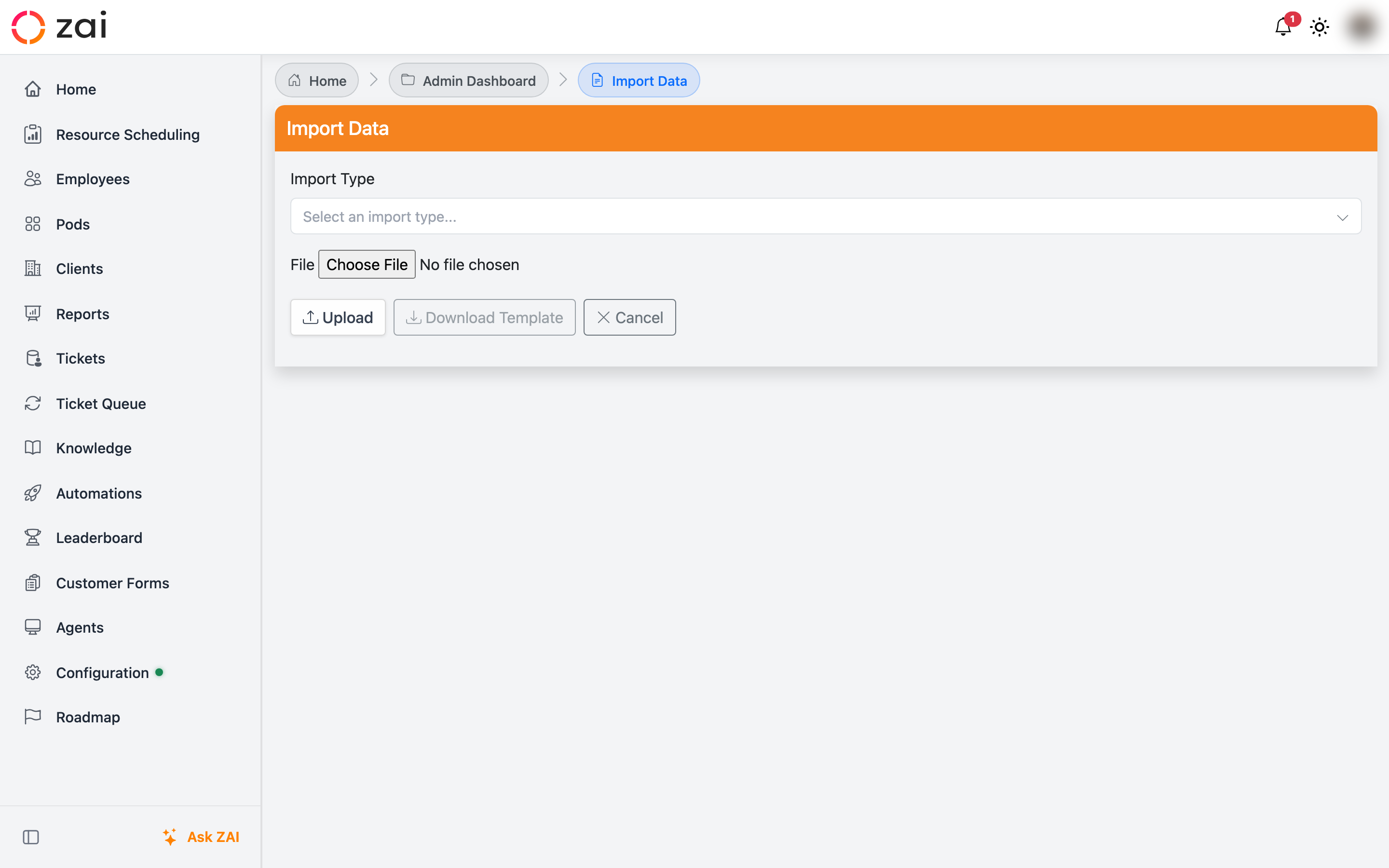
Overview
Go to Admin Dashboard → Bulk Data Import to open the Import Data page. From there:
- Pick an import type from the searchable dropdown.
- Review the columns it expects.
- Download a template if you need one.
- Upload your completed file.
Admin only
Bulk import is an administrator feature, accessed from the Admin Dashboard.
Choosing an import type
The import type picker is a searchable dropdown — start typing to filter the list by name or category (Clients, Employees, Pods, Reference data). Once you select a type, a panel appears below showing:
- A short description of what the import does
- A table of the columns it expects, with a Required flag, an Example value, and any relevant Notes (for example, how matching works)
This means you can check exactly what a file needs before you build it, without leaving the page.
Downloading a template
Click Download Template to get a ready-to-fill file for the selected import type.
Pre-filled templates
For Employee Skills and Employee Client Suitability imports, the template isn't just column headers — it comes pre-populated with a row for every employee against every skill (or every client), with the names already filled in. You only need to fill in the rating column. Every other import type downloads with just the header row.
Import types
Import types are grouped by area. Notable ones include:
- Skills — add or update skill names
- Employee Skills — set an employee's rating for a skill (pre-filled template)
- Employee Client Suitability — set an employee's suitability rating for a client (pre-filled template)
- Employee Locations, Employee Work Schedules — bulk employee attributes
- Clients, Contracts, Job Roles, Offices, Statuses — reference data
- Pods — create pods and assign clients/employees to them in one file
New in 0.7.0 — Pod relationship imports
Two new import types let you set up pod membership in bulk without touching the Pods screen directly:
- Pod ↔ Client Relationships — links pods to clients
- Pod ↔ Employee Relationships — links pods to employees
Both leave existing memberships alone rather than creating duplicates, so it's safe to re-import the same file as your pod membership grows.
Reliability
Bulk import has been hardened so a messy spreadsheet can't take down the whole run:
No more crashes on bad rows
A row with a missing required value is skipped and reported, rather than aborting the entire import. You'll get a summary of how many rows imported successfully and a message for each row that was skipped, so you know exactly what to fix and re-upload.
No duplicates on re-run
Importers now check for existing records before creating new ones — matched by name for reference data, or by the relevant combination (employee + skill, employee + client, pod + client, pod + employee) for relationship and rating imports. Re-running the same file updates existing records instead of duplicating them.